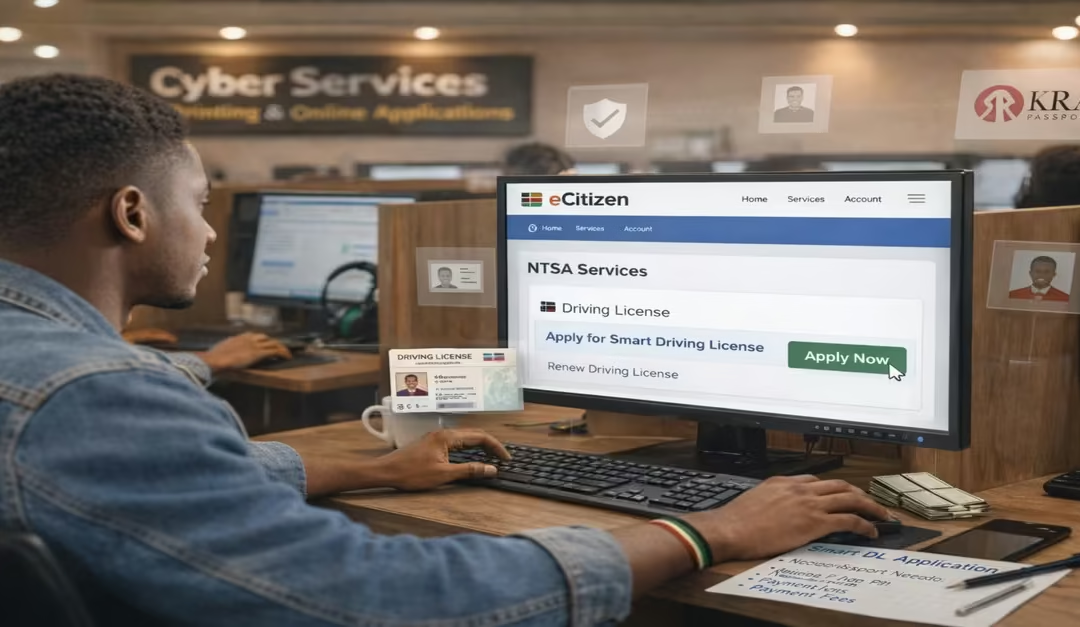
The transition from the old red booklet license to the digital Smart Driving License in Kenya is now fully integrated into the E-Citizen platform. This is a major step in improving and modernizing transport services. The Smart Driving License is now mandatory for all drivers, replacing the outdated booklet with a secure, chip-enabled card that makes it easier to verify driver details, improves compliance with current traffic regulations, and supports better road safety management across the country.
Through this system, authorities can easily track driver records, monitor traffic offenses, and enforce regulations more effectively. This creates a more organized and reliable transport system.
In this article, I will guide you through a clear, step-by-step process on:
- How to register a TIMS account.
- Apply for the Smart Driving License.
- How to renew the Smart Driving License.
- How to replace the lost or damaged one.
What Is a Smart Driving License in Kenya?
The Smart Driving License is a modern, chip-enabled digital driving card that replaces the former red booklet driving license. It contains an embedded microchip linked to NTSA’s central database, allowing driver information to be stored electronically and enabling traffic officers to instantly verify records, monitor traffic offenses, and enhance enforcement of road safety regulations. It is designed as a secure, durable, and tamper-resistant identification document enabling it to manage fake licenses and improve driver accountability.
Features of the NTSA Smart Driving License
- Chip-Enabled Technology – The card contains an embedded electronic chip that securely stores driver information for quick verification and enhanced security.
- Digital Driver Records Integration – It is linked to the e-Citizen platform and NTSA database, allowing easy access to up-to-date driver records.
- Traffic Offense Tracking – The system enables the National Transport and Safety Authority to record and monitor traffic violations more efficiently.
- Enhanced Security Against Fraud – Unlike the old booklet license, the smart card is harder to forge or tamper with, reducing cases of fake licenses.
- Easy Renewal and Replacement Services -drivers can conveniently renew or replace their licenses online through e-Citizen, without lengthy manual processes.
Read Also: Smart Contracts Explained for Business Owners
How Long Does a Smart Driving License Last?
The NTSA Smart Driving License in Kenya is valid for 3 years, after which it must be renewed on the e-Citizen platform. This fixed period is set by the National Transport and Safety Authority to ensure that driver records stay updated, traffic offences are properly tracked, and compliance with road safety regulations is maintained as per Kangu (2025) Drivers are required to renew their license before it expires to avoid penalties or inconvenience, making regular renewal an important part of keeping a valid driving license in Kenya.
Requirements for Smart Driving License Application in Kenya
Before applying for a Smart Driving License in Kenya, motorists must ensure they meet all the requirements set by the National Transport and Safety Authority. These requirements help confirm your identity, verify your eligibility, and ensure the application process on the e-Citizen platform runs smoothly without delays. A study by Rene (2025) highlights the following requirements.
a) Active e-Citizen & NTSA Account
Applicants must have a registered e-Citizen account linked to NTSA services, as all Smart Driving License applications are done online through this platform.
b) KRA PIN and ID Serial Number
Applicants must provide their KRA PIN and the serial number from their national ID card, as these are used to verify personal records in the system.
c) Existing Valid Driving License Record
For renewals or upgrades, your current driving license details must already be in the NTSA database so the system can automatically retrieve your driving classes. This requirement is only needed when you’re renewing or upgrading; if you are a first-timer, you don’t need it.
d) Fully Completed Application Form (Form DLC)
You cannot skip this step—you must fill in the official Form DLC. The easiest way is to download it from the National Transport and Safety Authority (NTSA) website and complete it at home. Use a black pen and write clearly in capital letters (upper case letters) to avoid any issues during processing.
e) Application Fee
The official fee for a 3-year Smart Driving License is KES 3,050, payable online during the application process, usually via M-Pesa.
f) Recent Passport-Size Photograph
Applicants are required to provide a recent color passport-size photograph taken against a white background for identification purposes. However, in practice, many National Transport and Safety Authority (NTSA) service centers are equipped with biometric photo booths that capture an approved digital photograph during enrollment. This means you may carry your own photo. Still, in most cases, NTSA officials will take a standardized biometric image on-site to ensure it meets official Smart Driving License specifications.
g) Biometric Appointment Booking
After payment, applicants must book an appointment at a Huduma Center or an NTSA office to have their fingerprints, photographs, and signatures captured before the card is processed.
How to Apply for a Smart Driving License on E-Citizen
Applying for a Smart Driving License through the eCitizen platform is simple once you understand the two major stages. First, you must create or log in to your NTSA‑enabled eCitizen account, which gives you access to all online driving license services. After that, you can proceed to the actual Smart Driving License application.
Step 1: How to Register a TIMS Account on e-Citizen
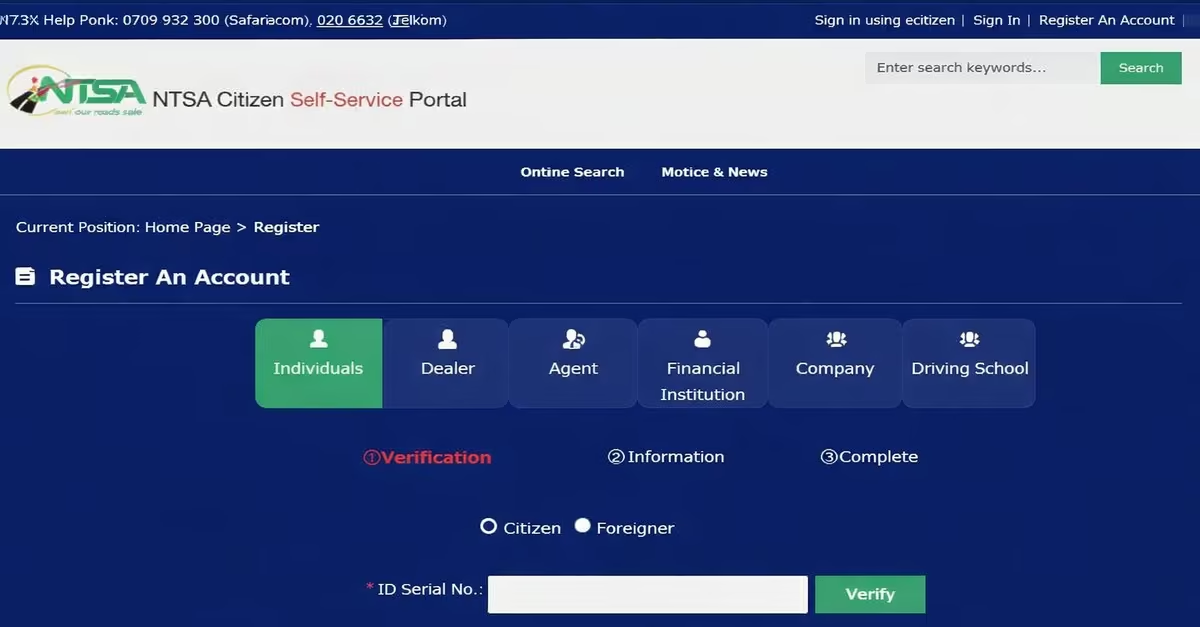
Before we dive into a step-by-step procedure, let us look at what you need to make the registration successful.
What You Need to Register an NTSA TIMS Account
- National ID Card
- KRA PIN Certificate
- Active Phone Number
- Email Address
- eCitizen Login Details
NB: You need to subscribe to receive SMS from NTSA before you begin, to subscribe, send the word “NTSA to 22847” using your phone.
Step-by-Step Procedure
This is the first step before you apply for a Smart Driving License. The Transport Integrated Management System (TIMS) is used by the National Transport and Safety Authority (NTSA) to manage driver records and services. The following is the procedure for creating and linking this account, as per the HowKE Team.
- Access the Portal– Click on NTSA new if you are on e-citizen, then log in to your e-citizen account. If you are using the service portal, you will still be directed to e-Citizen.
- Select ‘Register Account’-Click the registration link for new users
- Select Account type– Choose “Individual”, then pick “Citizen” or “Alien” if you are not a Kenyan citizen (foreign national)
- Confirm Your Identity– Enter your ID Serial Number—the number printed at the top left of your national ID, and click Verify.
- Fill in Personal Information– Provide details such as your KRA PIN, your mother’s maiden name, your occupation, and your mobile number.
- SMS Verification– Click “Send Authorization Code,” then enter the OTP sent to your phone to confirm your number.
- Complete Profile– add the remaining details, including your county of residence and email address, then proceed by clicking Next.
- Set Up Your Password-You will receive a temporary password via SMS. Log in using that password, then update it to a secure one you can easily remember.
Step 2: How to Apply for a Smart Driving License.
- Access the eCitizen Portal-Start by visiting the official eCitizen Kenya portal. If you do not have an account, you will need to register using your National ID number and a valid email address. If you already have an account, log in.
- Navigate to NTSA Services-After logging in, go to the “National Transport and Safety Authority (NTSA)” section. This is where all driving license services, including Smart Driving License applications, are managed.
- Start Smart DL Application-In the NTSA section, select the “Smart Driving License (Smart DL)” option. From here, you can choose to apply for a new license or renew an existing one.
- Confirm and fill in details– The system will display your personal information. Carefully check that all details—such as your name, ID number, and existing license information—are correct. You may also be asked to add additional details, such as your place of birth, blood group (if available), and physical address.
- Make Payment-The application fee for the Smart Driving License is KSh 3,050 for a three-year validity period. Payment is made online via options such as M-Pesa or debit/credit cards. After payment, make sure to save or download your receipt.
- Book a Biometric Appointment– Once payment is confirmed, you will need to book a biometric appointment. The system will show available dates and NTSA or Huduma Center locations. Choose a convenient time and place, then save or print your appointment slip.
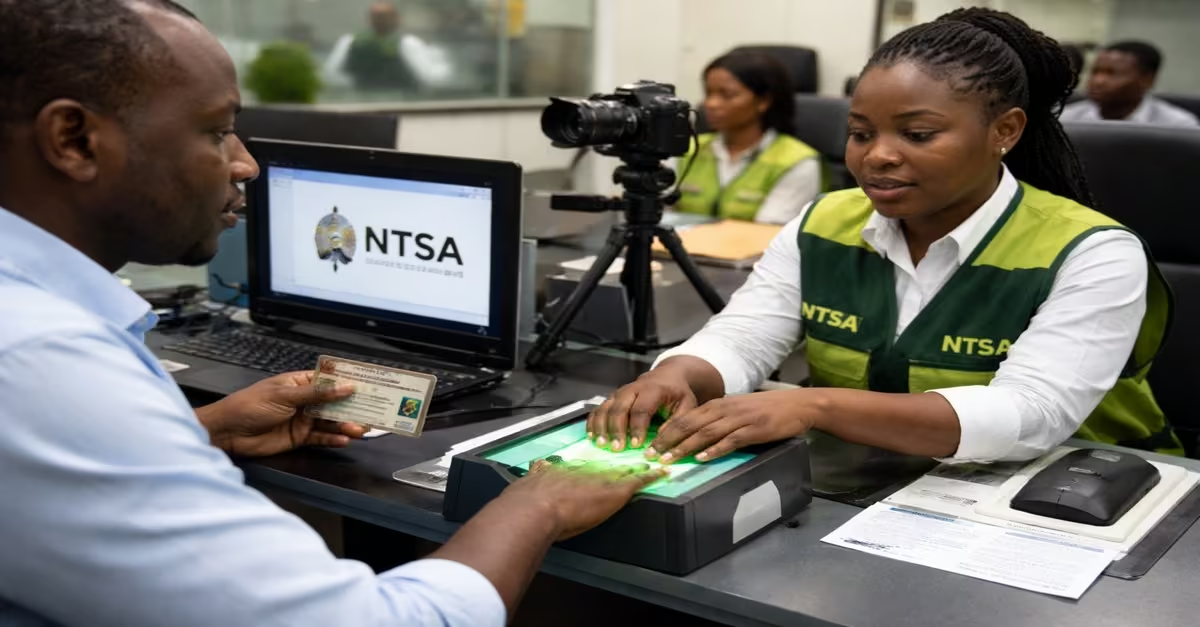
- Attend Biometric Capture – On your appointment day, visit the selected center with your original National ID, your current driving license (if applicable), and your appointment slip. NTSA officers will capture your fingerprints, take your photo, and record your digital signature.
- Collect Your Smart DL– After processing, your Smart Driving License will be ready for collection. You will receive an SMS or email notification when it is ready. Collection usually takes a few days, depending on the center. Remember to carry your ID and payment receipt when picking it up.
How to Renew Your Smart Driving License
Renewing your Smart Driving License through the eCitizen platform is a straightforward process managed by the National Transport and Safety Authority, and it involves both online actions and a mandatory biometric verification stage. Follow the procedure below.
- Log in to eCitizen-Start by visiting eCitizen.go.ke and signing in using your ID number or email and password.
- Open NTSA Services-from your dashboard, select the National Transport and Safety Authority (NTSA) section. This is where all driving license services are hosted.
- Select “Driving License Renewal”-Choose the Smart DL renewal option. Once selected, the system automatically retrieves your existing driving license details for verification and processing.
- Make Payment-Pay the total renewal fee of KES 3,050, which includes the license fee and a small eCitizen convenience charge. Payment can be made via M-Pesa, debit/credit card, or bank options. This confirms your renewal request.
- Download Renewal Slip-After successful payment, download your renewal slip. This acts as official proof that your renewal application has been submitted and accepted for processing.
- Book Biometrics Appointment (Mandatory Step)-Return to NTSA services and select the Smart DL biometrics option. Book an appointment at your preferred NTSA office, as biometrics capture is compulsory before renewal can be completed. Make sure you attend and have the information required captured.
- Wait for Processing and Printing-After biometrics, NTSA processes and prints your renewed license. Processing time varies depending on location, typically ranging from 5 working days in major offices to a few weeks in smaller centers. You will receive an SMS notification once it is ready.
- Collect Your Smart DL– visit the NTSA office you selected during booking. Present your ID and SMS notification to collect your renewed Smart Driving License.
How to Replace a Lost or Damaged Smart Driving License in Kenya
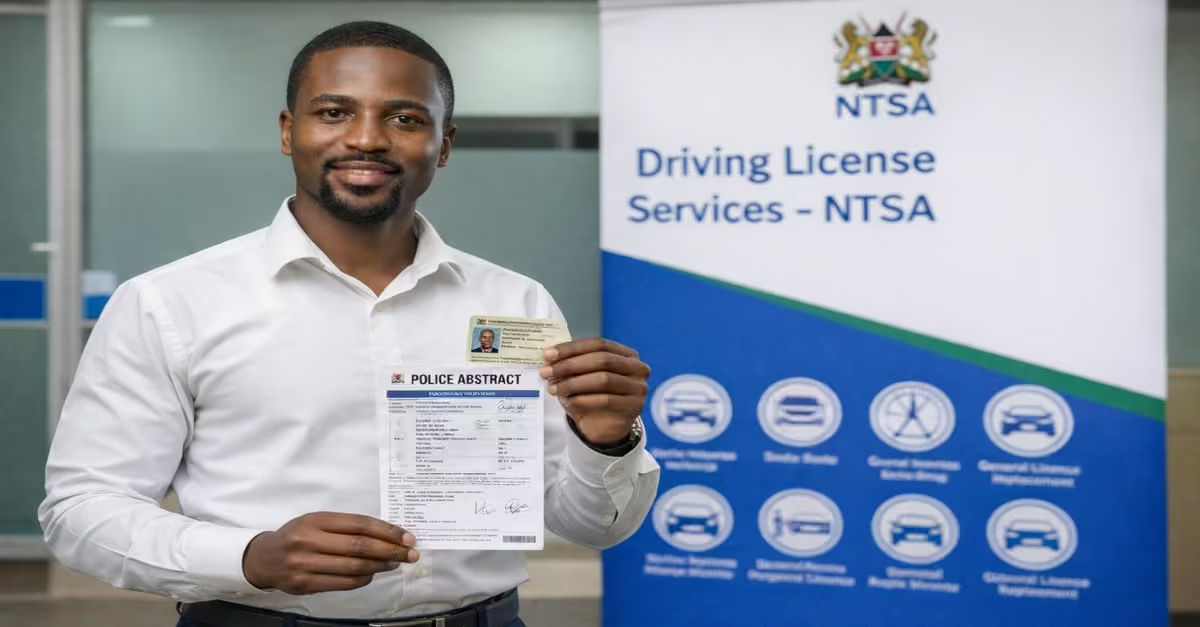
If your smart driving license is lost or damaged, NTSA allows you to easily apply for a replacement (duplicate license) through the eCitizen platform. A study by Pashawise (2025) highlights the following steps.
STEP 1: Log in to eCitizen
Access your eCitizen account and navigate to NTSA services. This is where all driving license services, including replacement, are processed.
STEP 2: Select “Duplicate Driving License”
Choose the option for “DL Replacement” or “Duplicate Driving License.” This is specifically for lost, stolen, or damaged licenses—not renewal.
STEP 3: Upload Required Documents
You will be required to upload key documents, such as a copy of your National ID and a Police abstract for a lost or stolen license. These documents help verify your identity and confirm the request.
STEP 4: Pay Replacement Fee
Pay the standard fee, typically around KES 3,050 via M-Pesa or card. Payment confirms your replacement request and initiates processing.
STEP 5: Book a Biometrics Appointment
Just as with a new application or renewal, you must book a biometric capture appointment at an NTSA office or designated center.
STEP 6: Attend Biometrics Capture
Visit the selected center with your original ID and documents. NTSA will capture your fingerprints, photo, and signature to issue a new Smart DL.
STEP 7: Wait for Processing and Collection
Once approved, your new Smart Driving License will be processed. You will receive an SMS notification when it is ready for collection, usually within 7–14 working days, depending on location.
Read Also: Biometric Technology: Striking a Harmonious Balance Between Ease and Security
NTSA Driving License Renewal and Duplicate Requirements
Whether you are applying for a duplicate license after losing it or renewing your driving license through the National Transport and Safety Authority on eCitizen, make sure you have the following.
- Original National ID-Carry both the front and back copies.
- Police Abstract-Obtain a valid police abstract from the nearest police station (required if your license is lost).
- NTSA TIMS Login Details-You will need your account credentials to access the system.
- Previous Driving License Number – Provide your license number if it is recorded.
QUICK TIP: If your driving license is lost, stolen, or damaged, the first step is to report the incident at the nearest police station and obtain a police abstract. This is the document required under the above requirement and serves as official proof of the loss and can be used temporarily while you wait for a replacement from the NTSA.
Conclusion
Applying for, renewing, or replacing a Smart driving license in Kenya has been made easier through the integration of services on the eCitizen platform and the Transport Integrated Management System (TIMS) managed by the National Transport and Safety Authority. With the required documents—your ID, KRA PIN, passport photo, and a police abstract if the licence is lost—you can quickly create a TIMS account and follow the step‑by‑step process to apply, renew, or replace your Smart driving licence.